What is Configuration Management? Importance and Tools

Configuration Management
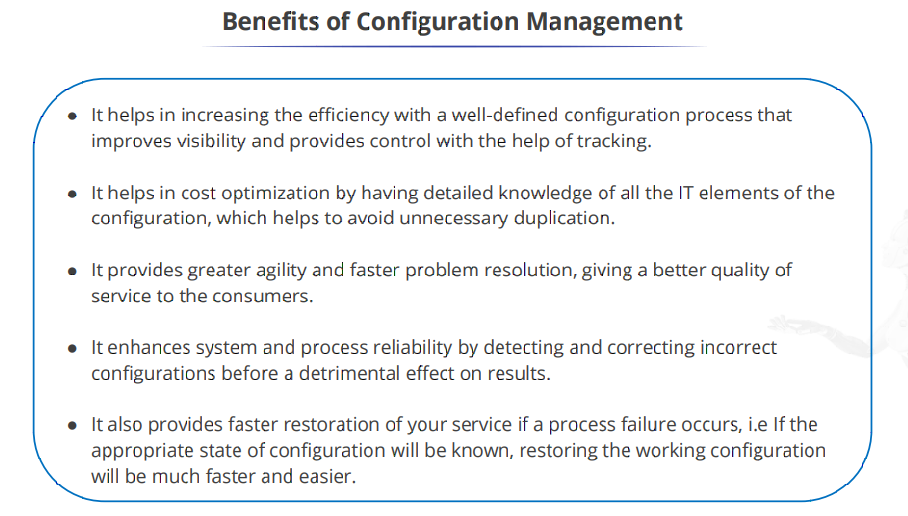
Configuration Management (CM) is a method used in IT management to monitor and control individual components or items of an IT system. It ensures that these components remain consistent and well-managed throughout the system’s lifecycle. CM helps in tracking changes, maintaining documentation, and ensuring that the system functions reliably and efficiently. It’s essentially about keeping everything organized and in check to prevent issues and maintain the system’s integrity.
Role of Configuration Management in DevOps
DevOps is a concept that covers both the growth and operations phases of software development and so does configuration management.
Comprehensive Configuration Management in DevOps involves managing source code during development, storing and deploying artifacts in production, and maintaining a database of infrastructure configurations to ensure smooth operations. These components work together to enable collaboration, consistency, and reliability throughout the software development and deployment lifecycle

- Source Code Repository: This is where developers store and manage the source code of their applications. During the development process, Configuration Management involves tracking changes made to the source code, managing branches for different features or fixes, and ensuring that developers can collaborate effectively.

2. Artifact Repository: Once the code is developed and tested, it needs to be packaged into deployable artifacts, such as binaries or container images. The artifact repository stores these artifacts and makes them available for deployment in production and operations phases. Configuration Management involves managing these artifacts, ensuring they are versioned and tagged correctly, and automating the process of deploying them to various environments.

3. Configuration Management Database (CMDB): In the production and operations phases of a project, the Configuration Management Database (CMDB) acts as a central repository for storing information about the configuration items (CIs) that make up the IT infrastructure. This includes details such as hardware configurations, software versions, network configurations, and relationships between different components.
Configuration Management Tools :
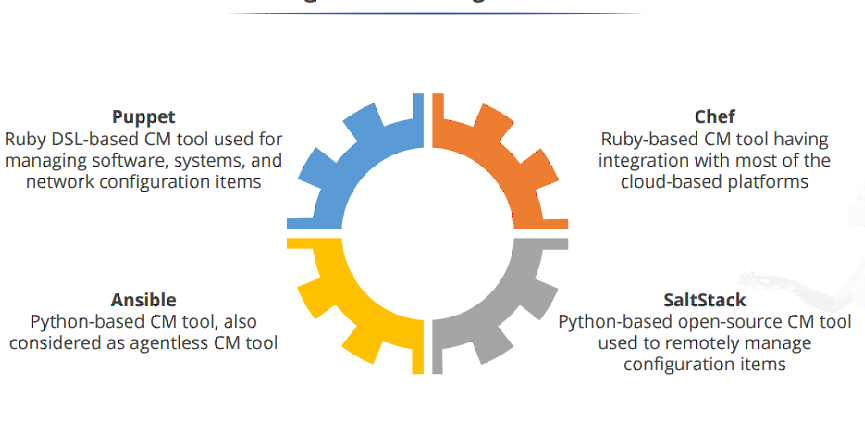
Ansible: Agentless, uses YAML for configuration, communicates over SSH or WinRM, emphasizes simplicity.
Puppet: Follows master-agent architecture, uses Ruby DSL, ensures system compliance and consistency.
Chef: Utilizes client-server architecture, configurations written as code (Ruby-based DSL), focuses on infrastructure as code principles.
SaltStack: Operates with master-minion architecture, uses Python DSL, emphasizes automation, deployment, and orchestration tasks.
Ansible stands out for its agentless approach and simplicity, Puppet focuses on system compliance and consistency, Chef emphasizes infrastructure as code, and SaltStack offers powerful remote execution and event-driven capabilities. Each tool has its strengths and is suited for different use cases and preferences in the realm of configuration management and automation.
Introduction to YAML :
YAML, which stands for “YAML Ain’t Markup Language,” is a human-readable data serialization format used for representing structured data. It’s commonly used for configuration files, data exchange between programs, and various other applications where human readability is a priority. YAML is often used in conjunction with programming languages like Python, Ruby, and others due to its simplicity and readability.
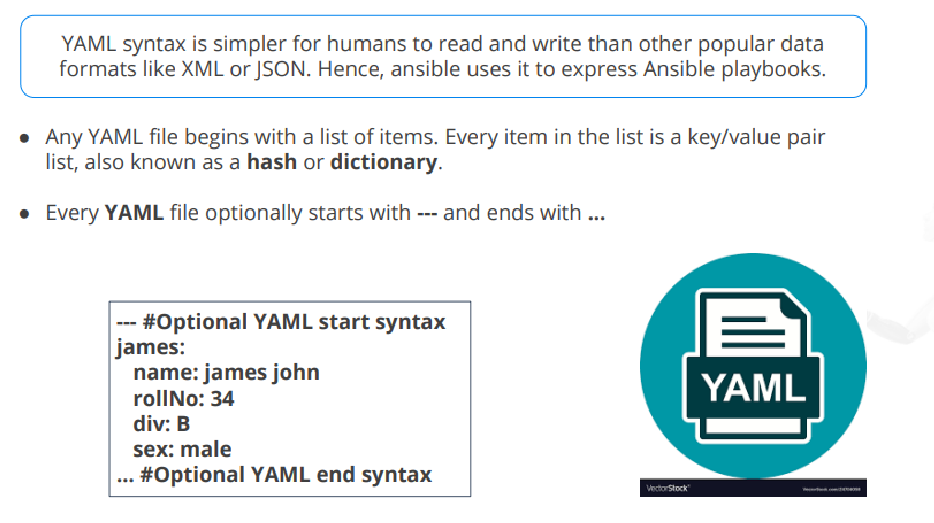
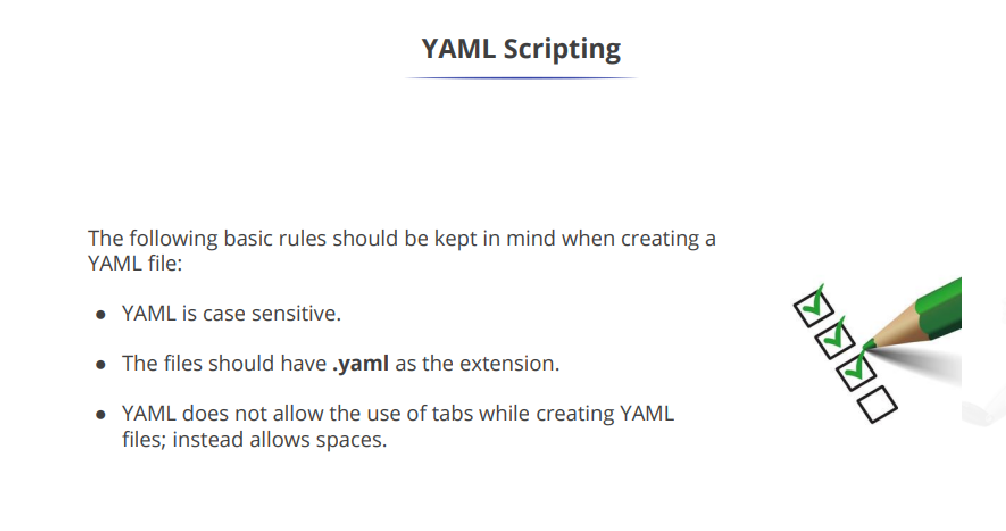
Comments in YAML begin with the (#) character.: Comments are notes added to YAML files for human readability. They start with the hash symbol # and extend to the end of the line.
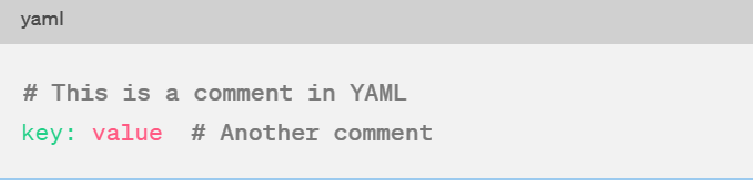
Indentation of whitespace is used to denote the structure.: YAML uses indentation to indicate nesting and hierarchy. Indentation helps to define the structure of the data.
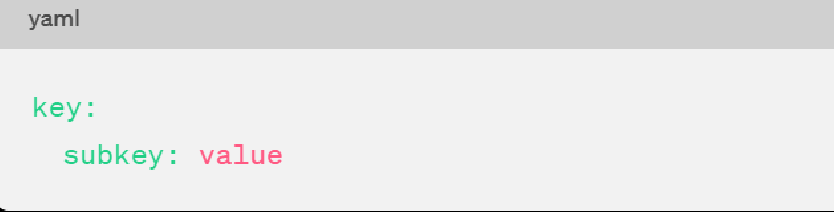
Tabs are not included as indentation for YAML files.: While spaces are used for indentation, tabs should not be used. YAML parsers may not handle tabs consistently.
List members are denoted by a leading hyphen (-).: Lists in YAML are represented by starting each item with a hyphen — followed by a space.
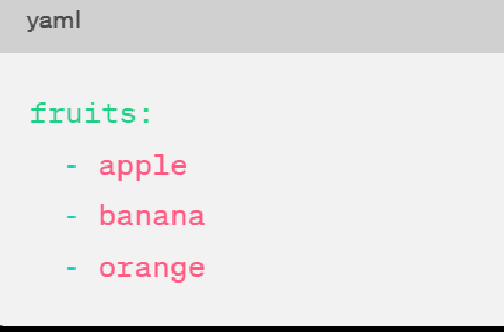
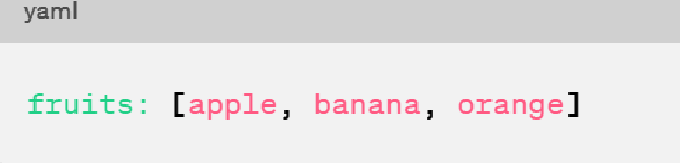
List members are enclosed in square brackets and separated by commas.: Lists can also be represented using square brackets [] and commas ,.
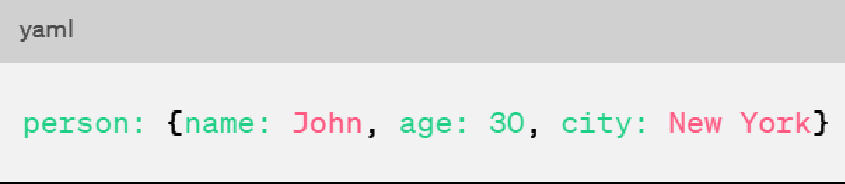
Associative arrays are represented using colon : and enclosed in curly braces {}.: Associative arrays, also known as dictionaries or mappings, are represented using key-value pairs enclosed in curly braces {}.
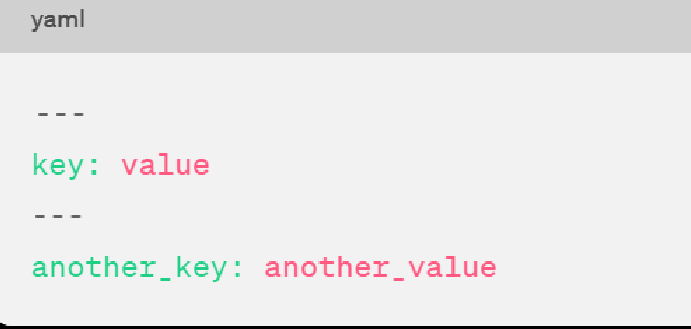
Multiple documents with single streams are separated by 3 hyphens — -.: YAML allows multiple documents within a single file, separated by three hyphens — -.
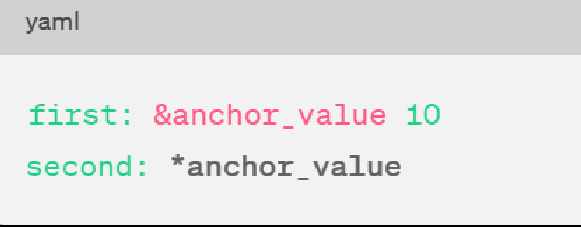
Repeated nodes in each file are denoted by an ampersand & and an asterisk .: YAML allows referencing the same data at multiple points within the document using anchors & and aliases .
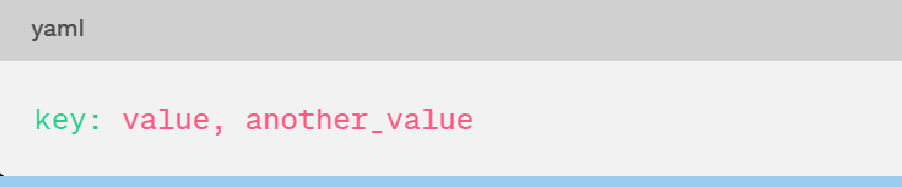
Colons and commas are used as list separators followed by a space with scalar values.: Colons : and commas , are used to separate elements within YAML structures like lists, mappings, etc., followed by a space.
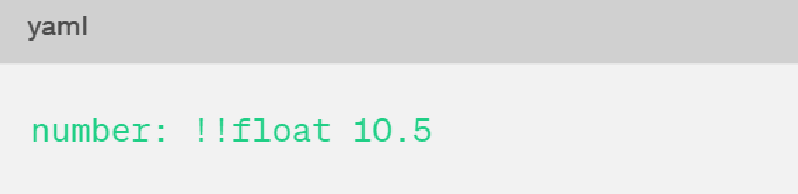
Nodes are labeled with an exclamation mark ! or double exclamation marks !!.: Nodes can be labeled with ! or !! to specify the data type explicitly.
Example of YAML file
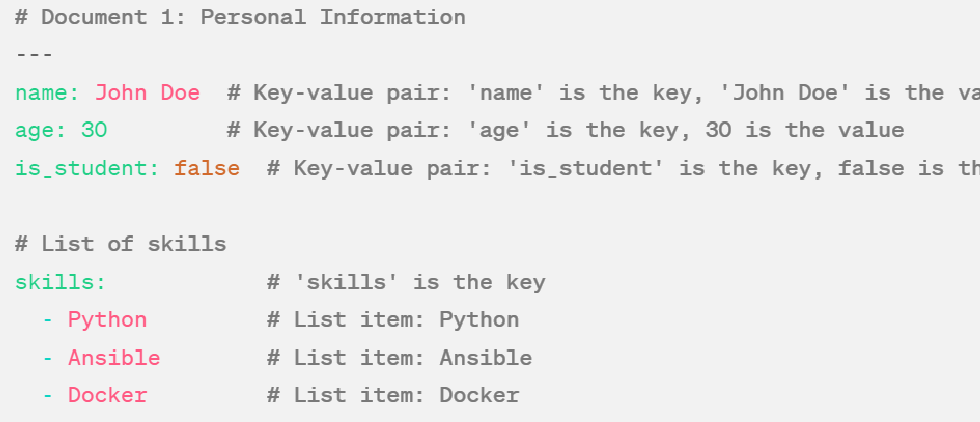
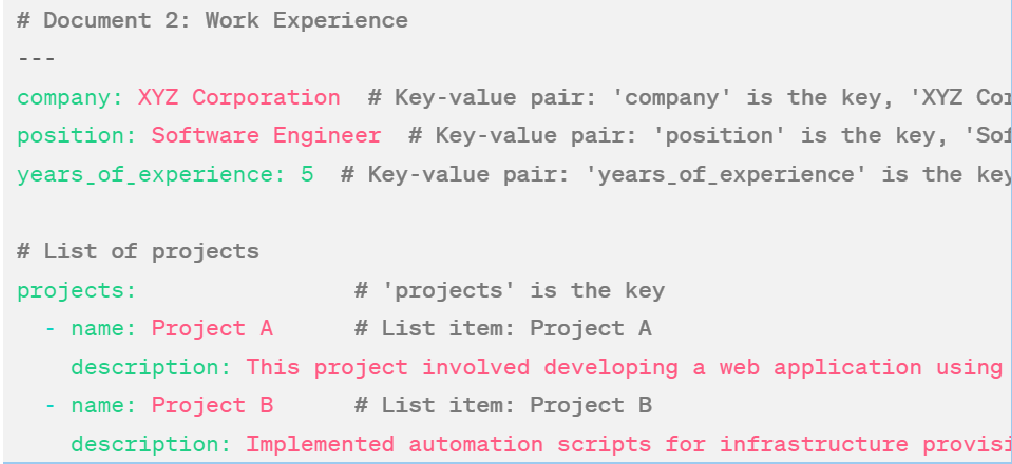
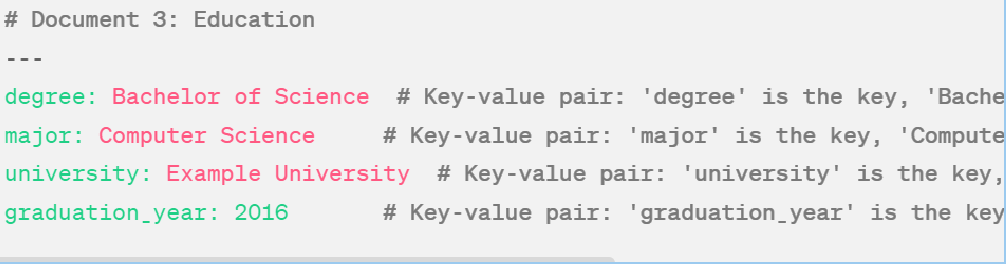
Explanation:
The YAML file consists of multiple documents separated by — -.
Each document represents different sections of information (e.g., personal information, work experience, education).
Each document contains key-value pairs (like attributes and values) and lists (for multiple items of the same type).
Key-value pairs are indicated by a key followed by a colon and a space, with the corresponding value.
Lists are denoted by a key followed by a colon and indentation, with each item starting with a hyphen and a space.
Nested structures (like projects under work experience) are indicated by indentation.
Comments are included to provide explanations and are preceded by the # symbol.
This YAML file structure is clear and well-organized, making it easy to understand.
Hurray! you just read an intro to Configuration Management. You’ve gained insights into how it ensures consistency, reliability, and efficiency throughout the development and deployment lifecycle.
Thanks for reading!


